![Daniel Gogek - Practice Site #1 [url keystonechange.com]](https://keystonechange.com/wp-content/themes/Divi/images/logo.png)
H2 Heading [To go to the Section settings move the cursor one left from the H2]
This is a test setting up a Page with a Getwid Section block. The question is whether this can be a good way to create the look of text in the middle … with white space on both sides. The answer appears to be YES.
Has the default size been changed?
Test of the Default Font size after Test 1 change to CSS: I think this is 16.
HOW to set it up. Once you start a new page, make the first insert a SECTION from the category called Getwid Blocks.
NEXT, note that you have a whole set of Menu Selections to the right: General, Style and Advanced.
The key first item to change is under General: Choose Custom Width … and set it to 700. That appears to be a good width for Text. Test this out to see what works best.
IMPORTANT: Under General, go to Responsive and set the format to Align Left for both Mobile and Tablet. This is great, as it means you only have to do this ONCE for the entire Section (which essentially will be the full Page too).
It does beg the question, though, what would you tell your 20-year old self if you had the opportunity to speak to past you? [This is the Default size of 18px]
It does beg the question, though, what would you tell your 20-year old self if you had the opportunity to speak to past you? [20px]
Tests now with further options for Blocks:


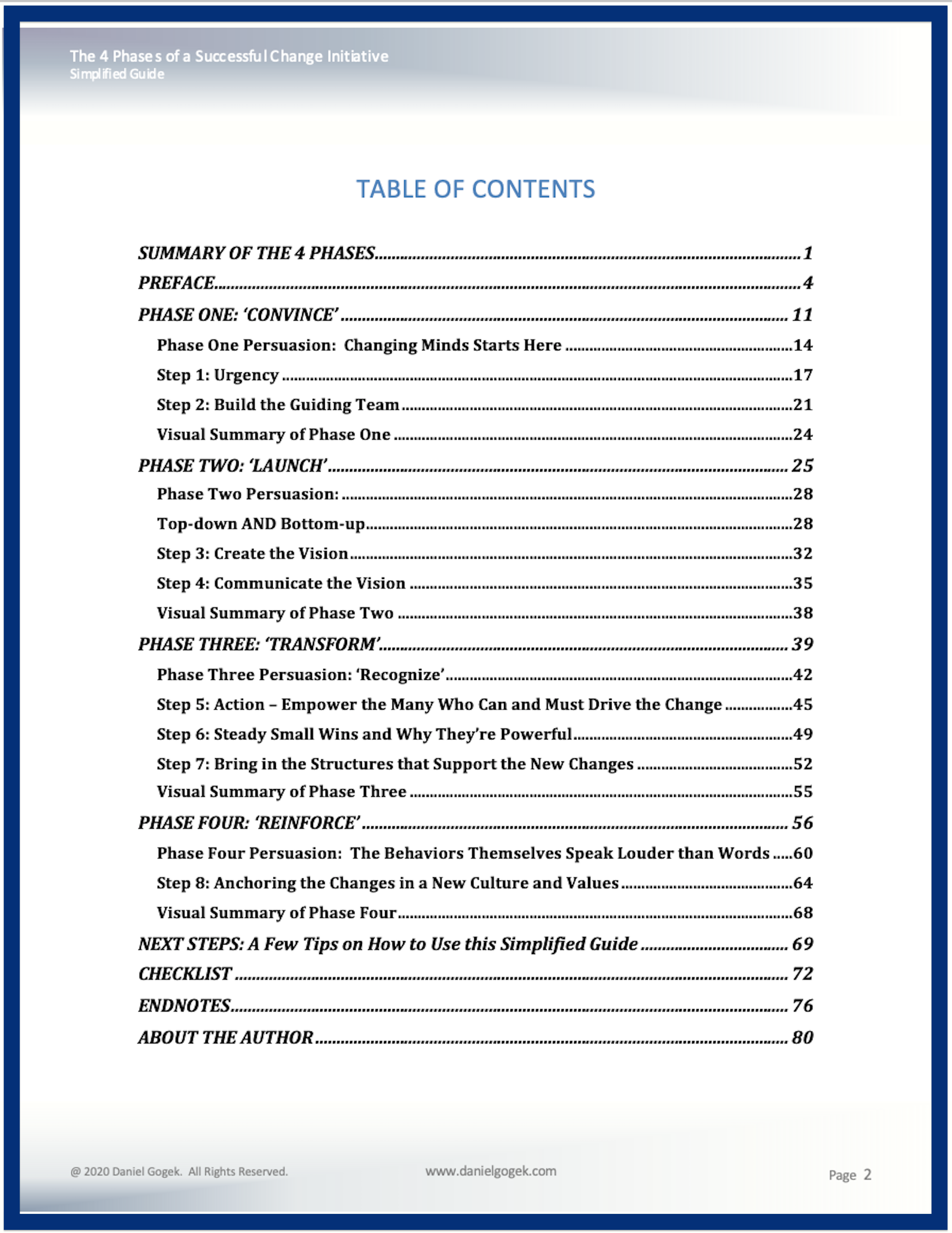

[ ]
THIS is the Image Slider in Ultimate Blocks. This looks like a great tool for setting out a series of slides that create essentially a ‘movie’ … for example, you could set out some of the slides from the Visual Summary of each phase:
[Okay … I’m thinking that THIS format would be best for a moving slideshow showing the 12 key steps highlighted … with the arrow and yellow highlight moving with each slide:
This is the text section for the Content Toggle.
Text
This is the Expand Block … first line
Question 1: What does the Feynman technique involve?
THIS is where you write the answer. Eg. The Feynman Technique is … Here’s how you put it into practice. …
This is the Toggle box. Maybe it can be used as an interactive guide on the Front Page?
This is the Icon Box:
This is the block Image Stack Gallery:


It does beg the question, though, what would you tell your 20-year old self if you had the opportunity to speak to past you? [This is the Default setting for text.]
This is the final paragraph in the Section Block with narrowed Column Width set at 700.
[Col 1 set at 16] This is a test of 3 columns in Full Width mode … to see if you can effectively create mini sidebars … and keep the middle column the same width as the Section Block for centred text.
This is the middle column … This is the middle column …This is the middle column …This is the middle column … set at 68.
[ ]
Column 3 set at 16

Recent Comments